EXPLORE MORE
- Capital Fundraise (4)
- Compliance (11)
- Life Science (4)
- M&A (16)
- Non-Profits (2)
- Private Equity (1)
- Secure Collaboration (16)
- Virtual Data Room (65)
Introduction
A virtual data room for M&A is the secure, permissioned workspace where buyers, sellers, advisors, and lenders review confidential documents during a deal. In mergers and acquisitions, time kills deals: buried paperwork and slow, uncontrolled document exchange leave room for error and erode trust. A virtual data room for mergers and acquisitions replaces email and shared drives with one controlled, auditable place – letting everyone work faster while you keep a verifiable record of who saw what, and when. This guide covers how the M&A data room works, how companies actually use it during acquisitions, and how to run diligence stage by stage.
What is a virtual data room for M&A?
An M&A VDR is a dedicated virtual data room configured for a transaction. It stores the due-diligence document set, controls exactly who can view, download, or print each file, tracks every action for a complete audit trail, and hosts the buyer Q&A process. Buyers and their advisors get structured, need-to-know access; sellers keep control of sensitive material and can revoke access the moment a party disengages. The result is a faster, cleaner diligence process and a defensible record if questions arise later.


Govern 365 is a strong, Microsoft 365 native governance and secure collaboration platform. Overall, it comes close to becoming a contender in the governance and secure collaboration market.
Christopher Dixon
Senior IT Director

How do companies use data rooms during acquisitions?
Companies use a data room during an acquisition to share confidential documents with buyers, advisors, and lenders in one controlled, auditable place – replacing email and shared drives with permissioned, watermarked, and logged access. How that looks in practice depends heavily on company size.
Companies with 1–249 employees
Smaller companies are usually on the sell side and often standing up their first data room. Priorities are speed, low cost, and easy setup: a single room for one transaction, a clean folder index, and simple permissioning for a handful of buyers and advisors. Because these teams rarely run deals back to back, a flat-rate or Microsoft 365-native data room avoids per-page or per-user bills that balloon on document-heavy diligence. See the full VDR pricing guide for how the models compare.
Companies with 250–1,000 employees
Mid-market companies often run buy-side and sell-side rooms at the same time, with multiple concurrent workstreams and far more reviewers – internal teams, external counsel, bankers, auditors, and lenders. Here the priorities shift to granular permissioning, structured Q&A management, audit-grade logging, and consistent governance across every room. Teams doing this repeatedly benefit from a tenant-native model that reuses their existing identity and compliance stack rather than rebuilding it in a new external platform for each deal.
The M&A due diligence process, stage by stage
- Prepare the room. Gather and structure documents to mirror the buyer’s diligence workstreams, estimate storage and user counts, and assign at least two administrators to monitor activity.
- Grant buyer access. Invite authorized users on a need-to-know basis with role-based permissions, MFA, watermarking, and NDAs in place before access is opened.
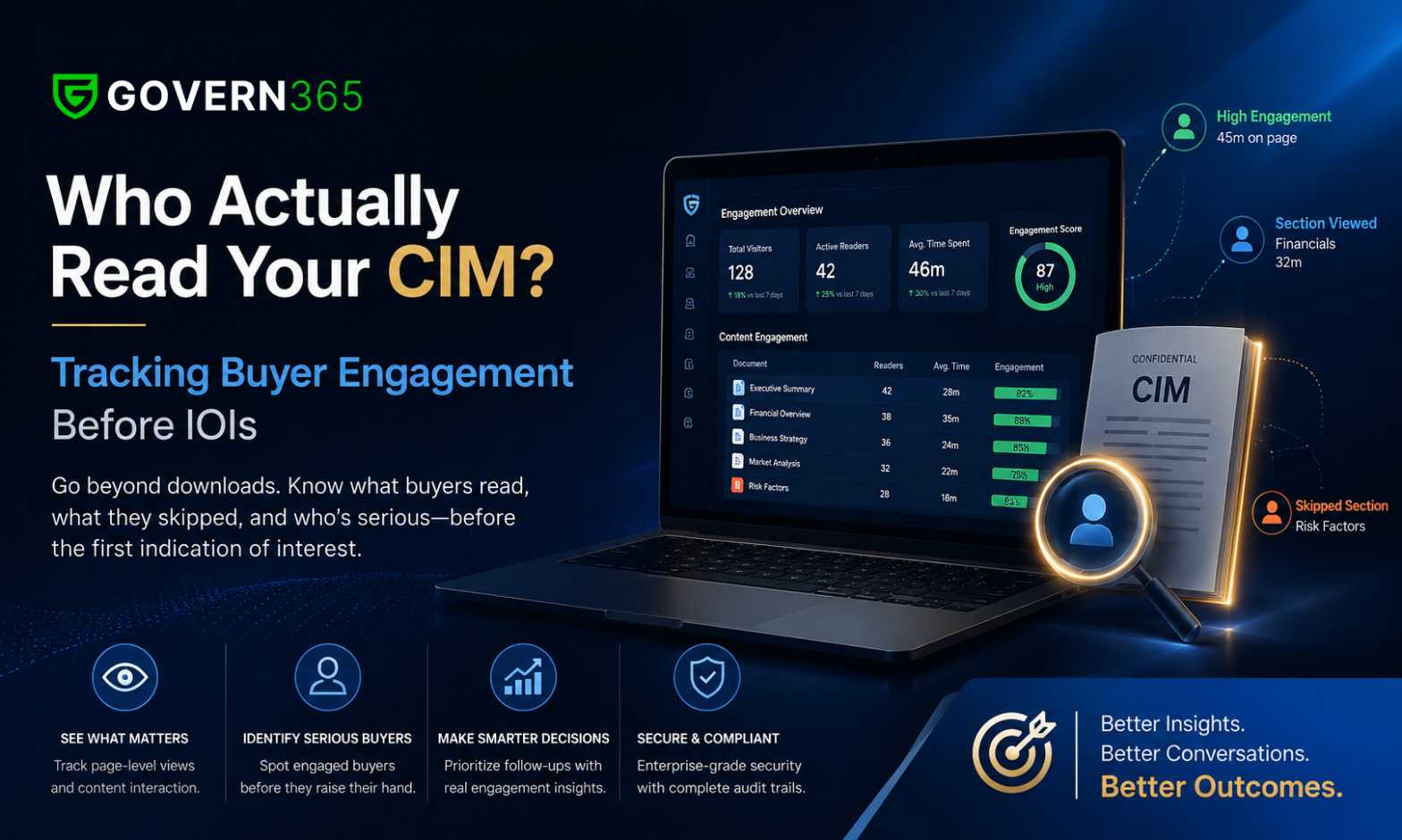
- Run Q&A and review. Manage buyer questions through a threaded, assignable Q&A workflow, and watch page-level engagement analytics to see what buyers are actually reading.
- Close and archive. Produce a complete audit record for the transaction, then retain or revoke access cleanly. In a tenant-native room, the record already lives in your own environment.
How to structure an M&A data room
A well-structured M&A data room mirrors the buyer’s diligence workstreams, not the seller’s internal filing system. A clean, predictable top-level index reduces friction and signals deal readiness:
- Corporate & Governance
- Financial Information
- Tax & Regulatory
- Commercial & Contracts
- Intellectual Property
- Human Resources
- Litigation & Compliance
- Operations & Technology
Use clear naming conventions, limited nesting, and consistent labels so reviewers understand contents without opening files. Need a ready-made index? Download the M&A data room checklist.
What documents go in an M&A data room?
An M&A data room typically contains everything required for financial, legal, operational, and regulatory due diligence, organized into standard categories:
- Corporate & governance – articles of incorporation, bylaws, cap tables, board and shareholder minutes
- Financial – audited and management accounts, forecasts, debt schedules
- Contracts – customer, supplier, partner, lease, and licensing agreements
- Tax & regulatory – filings, compliance records, permits, audits
- Intellectual property – patents, trademarks, copyrights, assignments, licenses
- HR & employment – org charts, key agreements, compensation plans
- Litigation & risk – disputes, claims, insurance coverage
Buy-side vs sell-side data rooms
On the sell side, the room is a controlled showcase: the seller curates a complete, well-indexed document set, meters access by buyer, and tracks engagement to gauge intent. On the buy side, the acquirer uses the room to organize findings, coordinate advisors, and build a defensible diligence record. For funds and corporate development teams running both sides across multiple deals, see the M&A due diligence data room and capital-raise data room.
Preventing leaks during diligence
Most leaks are accidental – information shared too broadly or outside controlled systems. Reduce the risk with process discipline and technical controls:
- Use a dedicated virtual data room rather than email or generic file sharing
- Restrict access on a need-to-know basis with role-based permissions
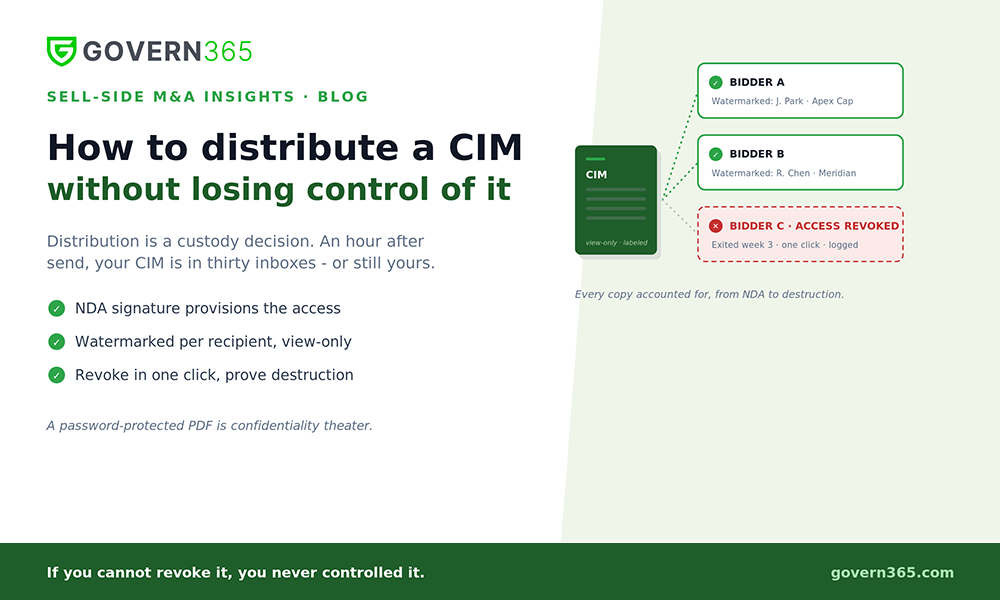
- Require NDAs before access and revoke immediately when a party disengages
- Disable downloads or apply dynamic watermarks to sensitive documents
- Maintain detailed audit logs to monitor access and detect anomalies
Distributing a confidential information memorandum? See how to distribute a CIM without losing control of it and how to track buyer engagement before IOIs.
How much does an M&A data room cost?
For a typical mid-market M&A transaction, expect roughly $15,000 to $50,000 across the deal lifecycle with legacy per-page VDRs, while flat-rate and Microsoft 365-native rooms deliver the same outcome for far less by removing per-page and per-user charges. The full breakdown is in the virtual data room pricing guide.
Choosing an M&A VDR
The right M&A data room matches your deal frequency and how much of your security stack already lives in Microsoft 365. For a full comparison of platforms, see best data room providers. If your team is standardized on Microsoft 365, a tenant-native room keeps documents inside your own environment through every stage of the deal – request a personalized walkthrough.
M&A data room FAQ
It provides a secure, permissioned space to share due-diligence documents with buyers, advisors, and lenders, with full audit logging – replacing email and shared drives during the transaction.
Companies use a data room to share confidential documents in one controlled place: sellers curate and meter access to a complete document set, while buyers review, ask questions through structured Q&A, and build a diligence record. Smaller companies typically run a single sell-side room; mid-market teams often run buy-side and sell-side rooms in parallel.
Everything needed for financial, legal, operational, and regulatory diligence – corporate and governance records, financials, contracts, tax and regulatory filings, intellectual property, HR, and litigation or risk materials – organized into a standard, buyer-facing index.
Use a dedicated VDR, restrict access on a need-to-know basis, require NDAs, watermark or disable downloads on sensitive files, and keep detailed audit logs to detect anomalies.
Conclusion
A virtual data room serves as an advanced solution for effective work that brings a lot of value to the entire process. Some of the key takeaways to make sure you and your organization are bringing high value to the parties involved would include Security, Easy Collaboration, Time and Cost Savings, User Activity Tracking, Ease of Use, and Customizability.
Govern 365’s virtual data rooms are built to work with Microsoft 365 Teams and SharePoint to protect your sensitive information while ensuring data sovereignty. Built on Microsoft Purview, external and internal recipients can safely & securely take advantage of secure collaboration while having data stored in their own repository, while having an intuitive user experience that allows you, the IT Admin, to customize the product to suit your organizational needs. You will also be able to track all user activity within a specific Data Room to make sure your sensitive information is not getting into the wrong hands. Use SharePoint and Teams like you already do and rest easy knowing that all your sensitive information is protected no matter where it goes. You can download our VDR (virtual data room) Whitepaper to get more information about our key benefits and features.