

Industry
Legal Data Room for Law Firms and General Counsel
Run secure data rooms inside your own Microsoft 365 tenant — without uploading client files to a third-party cloud.
Schedule a DemoIndustry Challenges



What is a legal Data room?
A legal virtual data room is a secure online repository where a law firm or in-house legal team stores, controls, and shares confidential documents with internal teams, clients, opposing counsel, and other third parties during transactions, litigation, investigations, and regulatory matters. It enforces granular access permissions, watermarks every page view, logs every file action for an immutable audit trail, and revokes access on demand – even after a file has been downloaded.
How Govern 365 Legal Data Room Can Revolutionize Operations for Legal Firms?

Secured External Collaboration
Invite clients, opposing counsel, expert witnesses, and co-counsel into matter-specific rooms with role-based permissions. Permissions can be set down to the file or section level and revoked instantly.

Data Sovereignty
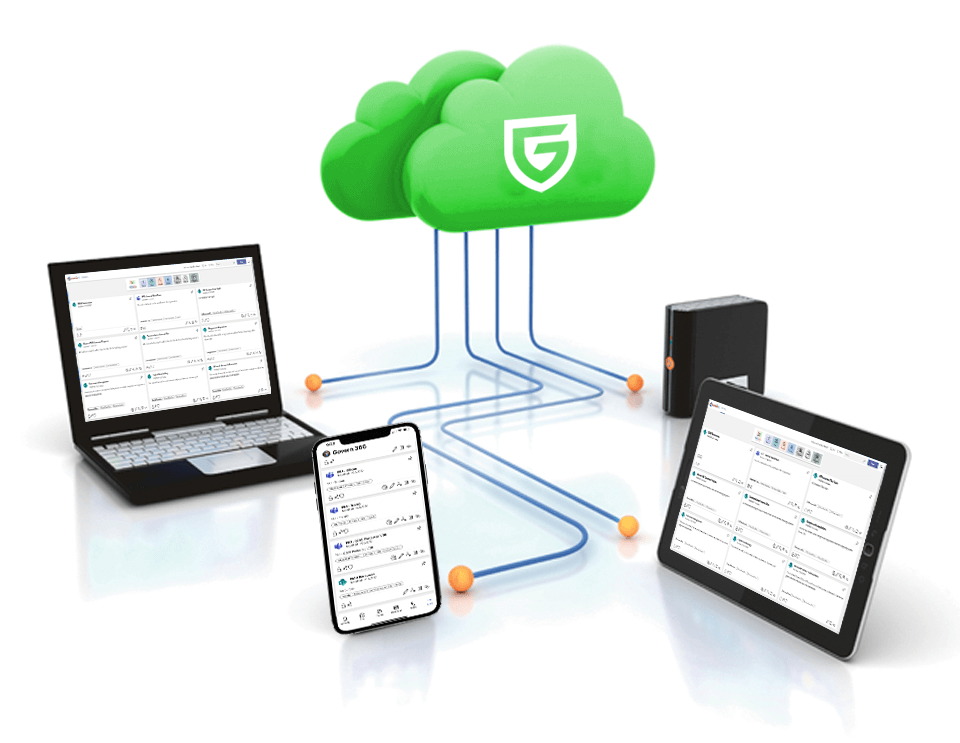
Every file lives in your firm’s Microsoft 365 tenant – not in a vendor cloud. Your existing retention, eDiscovery, and information-governance policies continue to apply.

Document-level rights management
Block screenshots, screen sharing, copying, and printing. Apply dynamic watermarks tied to viewer identity. Revoke access to a file even after it has been downloaded, using Microsoft Information Protection.

Immutable audit trail
Every upload, view, download, and share is logged. Export a chain-of-custody report for an internal investigation, regulator, or court in minutes — not weeks.

Q&A and structured diligence
Run structured Q&A workflows for M&A diligence, regulatory information requests, or expert-witness coordination, with full versioning and audit history.
Lifecycle and records management
Auto-apply retention labels by matter type. When a matter closes, run defensible disposition with a single workflow.
Frequently Asked Questions
A legal data room is a secure online repository law firms and in-house legal teams use to store, control, and share confidential documents with clients, opposing counsel, and other third parties during M&A, litigation, due diligence, and regulatory matters. It enforces granular access controls, watermarks every page view, and logs every action for audit.
A legal data room enforces document-level access controls, dynamic watermarking, full audit trails, and remote revocation. Tools like Dropbox, OneDrive consumer, or email attachments do not. For information protected by attorney-client privilege or work product, the audit and access-control gap is what separates a defensible disclosure from a malpractice claim.
Yes. Law firms use Govern 365 to run client matter rooms, M&A diligence rooms, and litigation case files. In-house legal teams use it for board communications, regulatory production, contract repositories, and outside-counsel collaboration – all inside the company’s existing Microsoft 365 tenant.
In your firm’s own Microsoft 365 tenant. Files are not uploaded to a Govern 365 cloud or any third-party VDR cloud. This means your existing retention, eDiscovery, DLP, and Microsoft Purview policies continue to apply, and there is no third-party custodian of client data.
ABA Model Rule 1.6(c) requires lawyers to make reasonable efforts to prevent the inadvertent or unauthorized disclosure of client information. Govern 365 supports this by enforcing role-based permissions, encryption, dynamic watermarking, full audit logs, and post-download revocation — and by keeping data inside the firm’s-controlled tenant.
For most law-firm and in-house use cases, yes. Govern 365 covers the core legal-data-room workflows – M&A diligence, litigation collaboration, board materials, regulatory production – with comparable security controls, while keeping data in the firm’s own M365 tenant and avoiding per-page pricing models. See the Intralinks alternative, Datasite alternative, and ShareVault alternative pages.
Most law firms have a working data room within hours of provisioning, because Govern 365 sits on top of an existing Microsoft 365 tenant. There is no separate cloud to migrate to, no new identity system, and no end-user retraining – the user experience is the SharePoint and Teams interface they already know.
Currently Govern 365 does not supports Microsoft 365 GCC, GCC High, and DoD tenants but it is on the roadmap for delivery sometime in the near future.
Common Legal Use Cases

Mergers and Acquisitions

Legal Proceedings and Litigation Management

Contracts and Legal Due Diligence

External Content Sharing
Reduce your costs by maximizing your Microsoft 365 licensing. Discover our flexible and cost-effective plans.
Insights | Testimonial


Insights | Blog