A virtual data room (VDR) is a secure online repository used to store and share confidential documents during high-stakes business transactions such as mergers and acquisitions, fundraising, audits, and IPOs. Unlike general-purpose cloud storage, a VDR enforces granular access controls, tracks every user action, and produces an auditable record of who viewed, downloaded, or printed each file.
If you’re preparing for a deal, raising capital, or sharing sensitive information with outside parties – investors, regulators, acquirers, partners – you’ll likely encounter a VDR. This guide walks through what they are, how they work, what to look for, and where the category is headed.
A Brief History: From Locked Rooms to the Cloud
Before the internet, due diligence happened in physical rooms. A seller would set aside an office, fill it with binders and filing cabinets containing financial statements, contracts, employee records, and IP documentation, and supervise visiting buyers’ lawyers and bankers as they reviewed materials by hand. Access was logged in a sign-in book. Copying was forbidden. Coffee stains were a hazard.
The first online VDRs appeared in the early 2000s, replacing the physical room with a secure website. They drastically reduced cost and timeline – buyers could review documents from anywhere, multiple parties could be onboarded in parallel, and every action was logged automatically. By the 2010s, SaaS VDRs had become standard infrastructure for M&A.
The most recent shift, beginning around 2023, has been toward tenant-native VDRs that run inside the buyer’s own cloud environment rather than the vendor’s. More on this in section 8.
How Does a Virtual Data Room Work?
Most VDRs follow the same lifecycle:
1. Provisioning. An administrator creates a new data room, often from a template (e.g., “M&A sell-side,” “Series B fundraise”). Templates pre-configure folder structures, permission roles, and policies.
2. Population. Documents are uploaded, often in bulk. Modern VDRs apply OCR to scanned files, auto-tag content, and let admins set folder-level permissions.
3. Invitation. External users – buyers, lawyers, auditors – are invited via email and assigned to permission groups. A “buyer A” group might see one set of folders; “buyer B” sees a different set; both see only what they’re supposed to.
4. Review and Q&A. Authorized users log in, review documents, and submit questions through a structured Q&A workflow. Sellers route questions to the right subject-matter expert and track responses to closure.
5. Audit. Every view, download, print, and search is logged. Admins can see exactly which files a given user has spent time on – useful intelligence during a competitive process.
6. Closeout. When the deal completes (or dies), the room is archived for legal record or shut down entirely.
Want to learn more about what a Virtual Data Room is?
Core Features of a Modern Virtual Data Room
Not every tool that calls itself a “data room” includes the full feature set. The capabilities that distinguish a real VDR include:
- Granular permissions – file- and folder-level access by user or group, often with view-only, download, or no-access tiers
- Dynamic watermarking – each viewer’s name and IP overlaid on every page they see, deterring leaks
- Audit trails – immutable logs of every user action, exportable for legal record
- Q&A management – structured workflows for routing investor or buyer questions to the right expert
- Document expiry and revocation – the ability to revoke access even after a file has been downloaded (via DRM)
- Redaction – black out sensitive sections (PII, customer names) before sharing
- OCR and full-text search – make scanned PDFs searchable
- Multi-factor authentication – table stakes for any deal-grade tool
- Bulk upload and indexing – populate a room with thousands of files quickly
Common Use Cases for VDRs
Mergers and acquisitions
The original use case. Sell-side advisors set up a VDR containing financials, contracts, employee records, IP filings, and customer data so buyers can conduct due diligence efficiently. The audit trail also serves as legal evidence of disclosure.
Fundraising and investor due diligence
Startups and growth-stage companies use VDRs to share their data room with VCs and strategic investors. The room typically contains financials, cap table, customer metrics, product roadmap, and key contracts.
IPOs and capital markets transactions
Underwriters, auditors, and securities counsel rely on VDRs to manage the volume of documentation required for S-1 filings and roadshows.
IP and licensing deals
Companies licensing patents, blueprints, source code, or trade secrets use VDRs to share technical IP with prospective licensees while preserving control and creating a record of disclosure.
Board and audit committee management
Board packs, minutes, and committee materials are often distributed through a VDR to maintain confidentiality and create an audit trail for governance.
Regulatory submissions and legal proceedings
Litigation discovery, regulatory submissions (FDA, SEC, EMA), and government audits use VDRs as a controlled, defensible exchange medium.
Virtual Data Room vs. Cloud Storage: What’s the Difference?
A common question – especially from companies that already pay for Dropbox, Google Drive, or SharePoint – is whether a VDR is really necessary.
The short answer: cloud storage tools were built to make collaboration easy. VDRs are built to make sharing defensible. Three differences matter:
Permissions depth. Cloud storage typically permits view/edit/comment at the file level. VDRs let you control whether each user can view, download, print, copy, or only see redacted versions – and apply those rules at folder, file, or even page level.
Audit defensibility. A VDR’s audit trail is built to stand up in litigation. It records who viewed which page of which file for how long, on what device, from what IP. Cloud storage logs are typically less granular and may not be retained long enough for post-deal disputes.
Process workflow. VDRs include deal-specific features – structured Q&A, redaction, NDA-gated entry, deal-stage templates – that cloud storage doesn’t include out of the box.
For everyday team collaboration, cloud storage is fine. For sharing with adversarial counterparties – buyers competing for your company, regulators, opposing counsel – a VDR is the right tool.
How to Choose a VDR: 7 Things to Evaluate
Buyers often focus on price first. We’d suggest this order instead:
1. Security certifications. Look for SOC 2 Type II, ISO 27001, and – depending on industry – HIPAA, GDPR, or FedRAMP attestations.
2. Permissions granularity. Can you restrict access at the folder, file, or page level? Can you change permissions mid-deal without re-inviting users?
3. Audit depth. Pull a sample audit report before you buy. Verify it captures everything you’d need in a dispute.
4. Where your data physically lives. This is more consequential than most buyers realize. Traditional VDRs store your documents in the vendor’s cloud, meaning a copy of your most sensitive deal data leaves your environment for theirs. A newer category of tenant-native VDRs – such as Govern 365, which provisions inside your existing Microsoft 365 tenant – keeps the data behind your own security perimeter and inherits the controls you’ve already invested in.
5. User experience. Buyers and their lawyers will use the VDR under time pressure. A clunky interface slows the deal and frustrates counterparties – sometimes enough to affect price.
6. Pricing model. VDRs charge by page, per user, per GB, or flat-rate. Per-page pricing can produce unpleasant surprises on document-heavy deals; flat-rate models are more predictable.
7. Time to launch and support. Modern VDRs should provision in hours, not weeks. Confirm that 24/7 deal-team support is included for your time zones.
The Next Generation: Tenant-Native Virtual Data Rooms
Most VDRs in market today operate as standalone SaaS platforms – your data is uploaded to the vendor’s cloud, where it’s stored, encrypted, and served back to authorized users. That model has worked for two decades, but it carries a structural trade-off: every transaction creates a second copy of your most sensitive data, sitting in a third-party environment outside your CISO’s direct control.
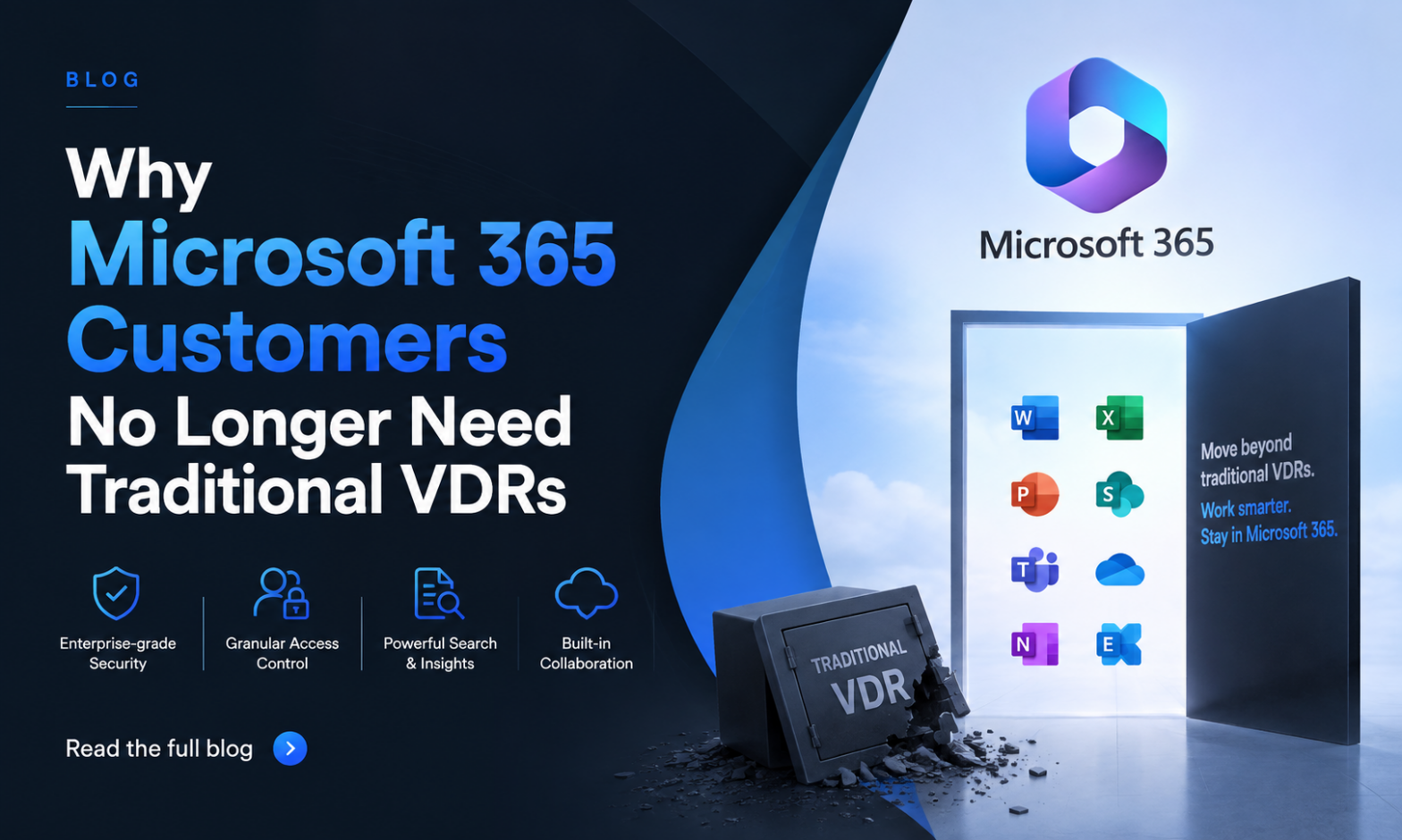
A newer category, sometimes called tenant-native or Microsoft 365–native VDRs, runs the data room inside the customer’s own cloud tenant. Documents stay in your SharePoint and Teams environment. Identity is handled by your existing Entra ID. Document protection is enforced by your existing Microsoft Purview sensitivity labels and DRM. The vendor provides the deal-room workflow layer – provisioning, permissions matrix, Q&A, audit, lifecycle – without ever taking custody of the underlying files.
Govern 365 is one example of this category. It’s recognized by the Microsoft Intelligent Security Association (MISA) and operates as a zero-knowledge layer on top of your tenant – meaning the vendor itself has no access to your documents or encryption keys. Expect more vendors to follow as enterprises push back on sending sensitive deal data to third-party clouds.
Frequently Asked Questions
Pricing varies widely. Traditional per-page pricing can run from a few hundred to over a thousand dollars per page on document-heavy deals. Flat-rate annual subscriptions typically start around $2,400/year for small deal volumes and scale based on number of rooms and users. Tenant-native VDRs are often cheaper because you’re not paying for storage you already own.
Modern VDRs provision in hours, not weeks. Templates, bulk upload, and pre-configured permission roles are the main accelerators. Expect a half-day to populate and a day or two to QA before opening the room to outside parties.
Any organization preparing for M&A, fundraising, an IPO, a major IP licensing deal, a regulatory submission, or significant litigation. Industries with constant deal flow – investment banking, private equity, biotech, real estate, energy – typically maintain ongoing VDR subscriptions.
For deal-grade sharing, yes. Email lacks audit, version control, and access revocation. Dropbox and Google Drive lack the granular permissions, watermarking, and audit defensibility that deals require. A properly configured VDR closes those gaps.
SharePoint can serve as the foundation for a VDR but lacks deal-specific workflow – Q&A, lifecycle templates, fine-grained external access controls – out of the box. Tenant-native VDRs add that workflow layer to SharePoint without requiring data to leave your tenant. You can also checkout more details of Govern 365 VDR features.
Conclusion: When You Need a VDR
If you’re preparing to share confidential information with parties whose interests don’t fully align with yours – buyers, regulators, opposing counsel, prospective investors – a virtual data room is the appropriate tool. It gives you control over what they see, evidence of what they did, and the ability to revoke access when the relationship ends.
When evaluating options, look beyond the feature checklist. Pay attention to where your data physically lives, how the VDR interacts with the security stack you’ve already built, and whether the vendor’s pricing model rewards or punishes deal-heavy years. Those structural choices will matter more over time than any individual feature on a comparison sheet.