EXPLORE MORE
- Compliance (11)
- Data Room (41)
- Life Science (2)
- Mergers & Acquisition (4)
- News (3)
- Secure Collaboration (12)
- Self Provisioning (3)
- Uncategorized (1)
Introduction
For the last two decades, “buying a VDR” meant one thing: signing a contract with a legacy provider like Intralinks or Datasite. It was the industry standard. It was the safe choice.
But in 2026, the “safe choice” has become the expensive, insecure choice.
The M&A landscape has shifted. Modern deal teams live in Microsoft Teams. CIOs are doubling down on Data Sovereignty. Yet, legacy VDRs are still operating on a business model from 2005—charging you massive premiums to host files you already own.
We call this “The VDR Tax”. And smart firms are finally refusing to pay it.
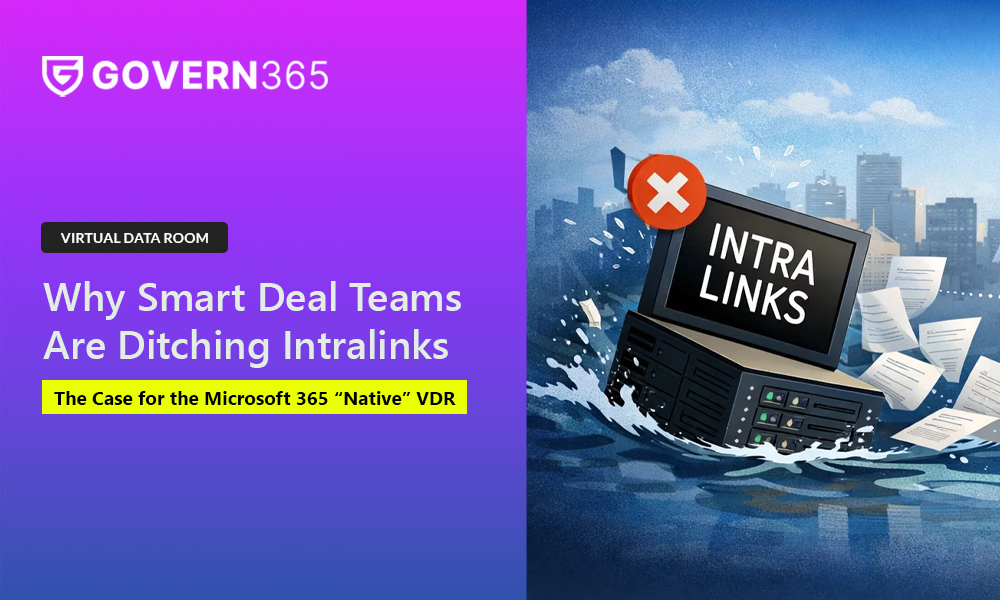
Here is the authoritative business case for migrating from Intralinks to Govern 365.
The Economic Case: Stop Renting Your Own Data
The legacy VDR business model is built on scarcity. They charge you per page, per user, or per gigabyte.
- The “Overage” Trap: You sign a contract for a set capacity. Two months into a deal, you exceed it. Suddenly, you are hit with a $20,000 invoice for “overages” just to keep your deal room open.
- The “Archive” Ransom: Once the deal closes, they charge you “Archive Fees”—often thousands of dollars a year—just to keep a DVD or a dormant link accessible for compliance.
The Govern 365 Difference:
We operate on an Ownership Model, not a rental model. Because Govern 365 runs natively inside your Microsoft 365 tenant, we don’t pay for storage—so neither do you.
- Flat Fee Pricing: $30,000/year for the Corporate Edition.
- Unlimited Capacity: No per-page fees. No user limits.
- Zero Archive Fees: With “Smart Disposition,” closed deals are auto-archived back to your own SharePoint for free.
The Security Case: Zero Data Migration
If you are a CISO, the architecture of a legacy VDR is a nightmare. To secure your most sensitive IP, you are required to exfiltrate it. You take data out of your secure Microsoft tenant and upload it to a third-party cloud.
This creates a “Data Sovereignty” break. You lose control of the encryption keys, the logs, and the geographic residency of that data.
The Govern 365 Difference:
Govern 365 is the only VDR that offers Zero Data Migration.
- 100% Native: The data never leaves your Microsoft 365 tenant.
- Purview Integration: We use your existing Microsoft Purview Sensitivity Labels to encrypt documents. Even if a file is downloaded, the protection travels with it.
- Unified Auditing: Every view, click, and download is logged directly to your Microsoft Unified Audit Log (UAL), giving you a single pane of glass for compliance.
Download VDR Whitepaper
Stop spending on purchasing expensive Virtual Data Room (VDR) solutions. Use Govern 365 to quickly create Microsoft 365 data rooms or SharePoint Online data rooms.
The Workflow Case: Killing “Shadow IT”
The biggest risk to your deal isn’t hackers; it’s friction. Legacy VDRs are clunky, require separate logins, and sit outside the daily workflow. When tools are hard to use, deal teams go rogue. They start sharing sensitive files via Dropbox or email just to get the job done.
This is Shadow IT, and it is the inevitable result of bad VDR UX.
The Govern 365 Difference:
We bring the VDR to the user.
- Teams Integration: Deal teams can manage permissions, upload files, and review documents directly inside Microsoft Teams.
- Single Sign-On: External buyers access the room using their existing Microsoft Entra ID (Azure AD) credentials. No new passwords to manage.
The Verdict: It’s Time to Own Your Deal Flow
The era of paying $50,000 to rent a data room is over.
Migrating to Govern 365 isn’t just about saving money (though cutting your VDR spend by 40-60% is a nice bonus). It is about modernizing your architecture. It is about acknowledging that in 2026, your data should stay where it belongs: Inside your boundary.
Ready to stop paying the VDR Tax?
See how much your firm could save by replacing Intralinks with a native Microsoft 365 VDR.